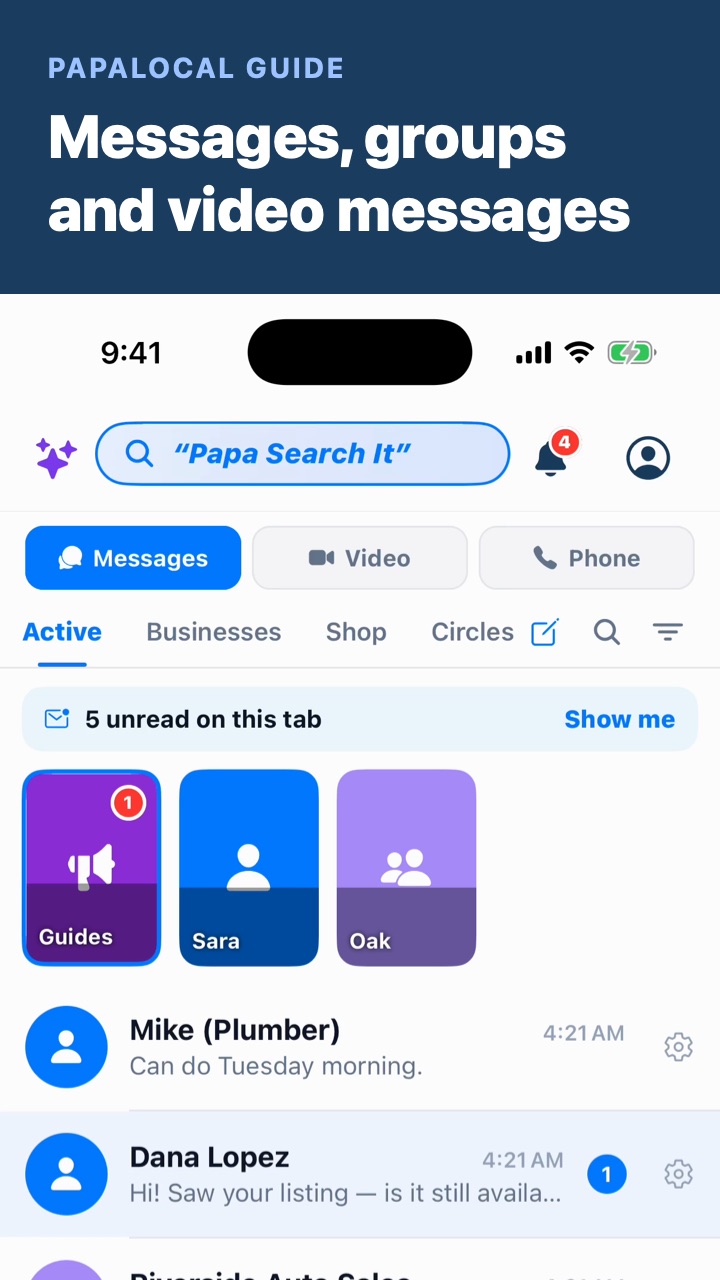
To send a video message in Papalocal, tap Messages, then Video at the top. Tap someone you've pinned, or a conversation under Recent, and record. They watch it when they're ready, and can record one back. To start a new one, tap the pencil and search for anyone, or send a link to someone not on Papalocal yet.
Step by step
0:00Open Video. Tap Messages, then Video at the top. This is where your video messages live.
0:07Record one. Record a video for someone, and they watch it when they're ready. They can record one back the same way.
0:13Tap someone you pinned. The people and groups you pin sit at the top. Tap one to record a video for them.
0:18Check Recent. Under Recent are your newest video conversations. A dot marks any you haven't watched yet.
0:24Use it with a group. Groups get video too, like the team in the video. Everyone in the group can watch, and record a reply.
0:31Watch one live. A red LIVE tag means they're recording right now. Open it to start watching before they finish.
0:37Start a new one. Tap the pencil, and New Video Message opens.
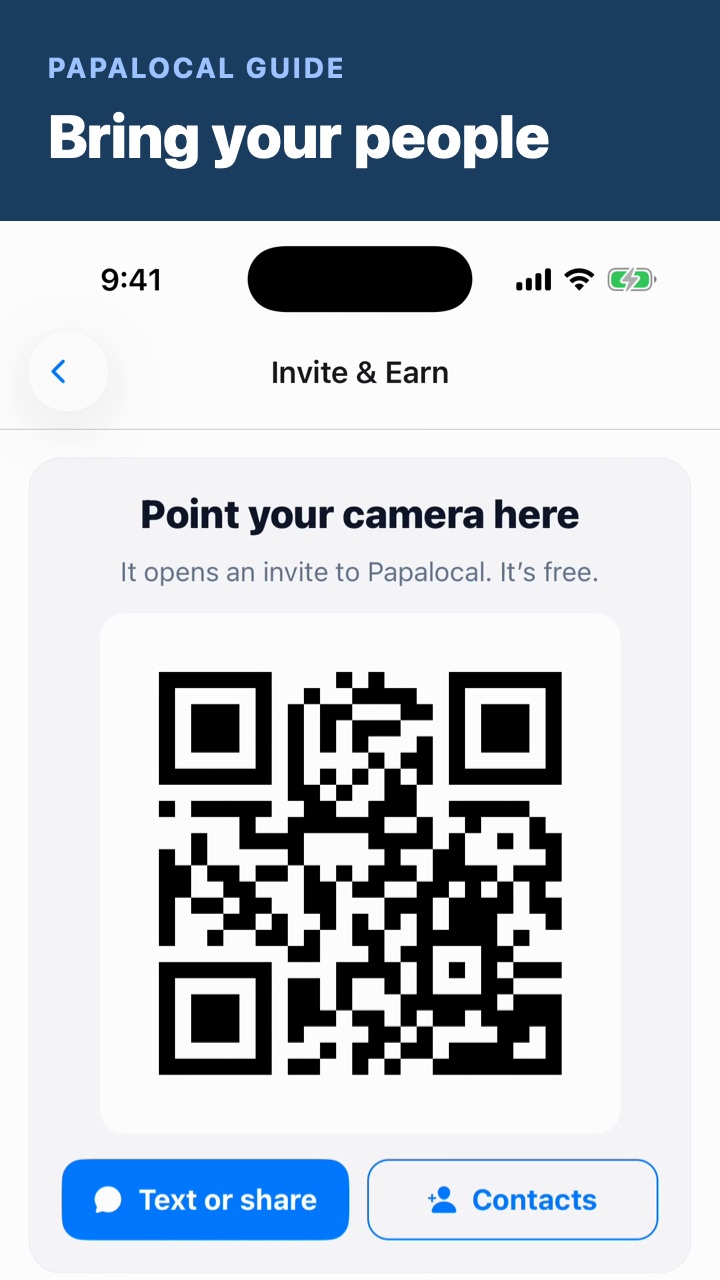
0:41Pick who it's for. Search for anyone. Not on Papalocal yet? Use Invite someone to chat to send them a link, and your message will be waiting.
0:48Go back to your chats. Tap Messages at the top.
Good to know
LIVE isn't a call. It means they're recording now. You can start watching before they finish, and answer with a video of your own.
Search shows who you know. In New Video Message, people are marked Connected or On Papalocal · not connected, and a business is marked Business.
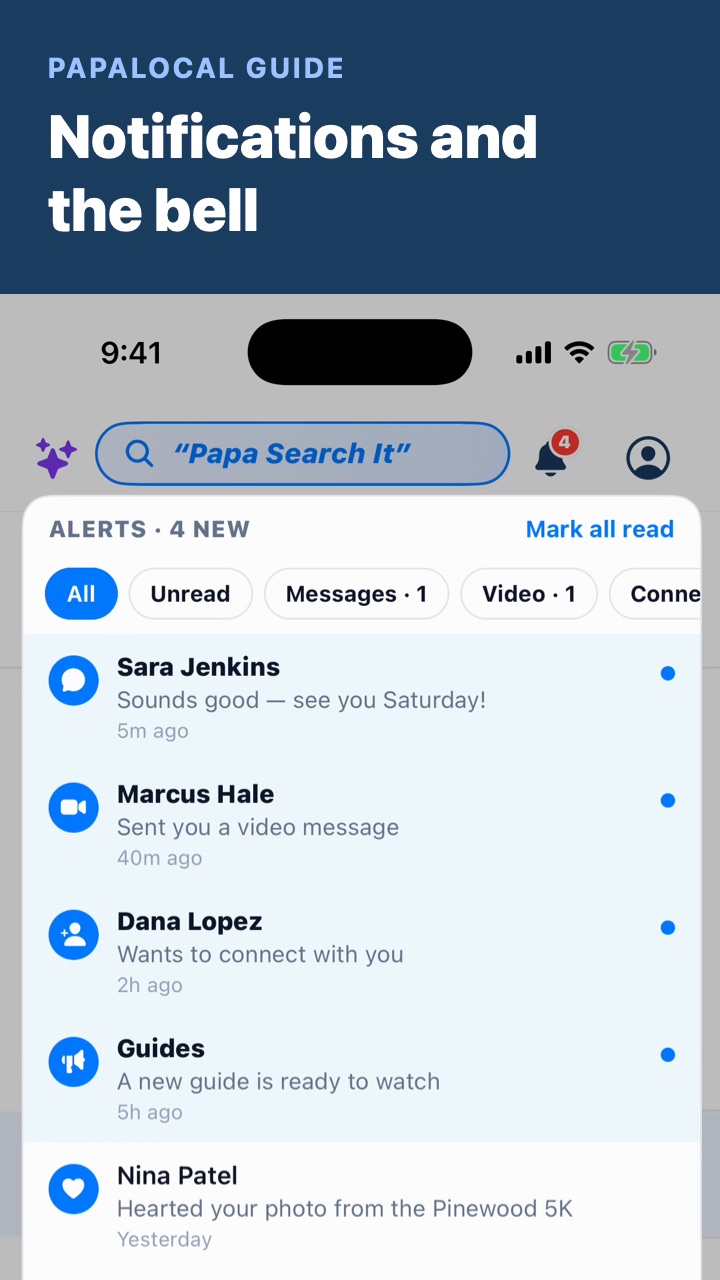
Want your phone to buzz? Video messages have their own alert setting. Notifications and the bell shows how to choose.
Not covered here. This video doesn't show the Phone tab beside Video, or how to pin someone.
Sara Jenkins, Mike, Dana Lopez, Jordan Avery and the Oak Street Gutters team are made up.
Written with AI from this video's script and screens.
Video is one part of Messages in Papalocal.
The everything app. As simple as you want it, or as complete as you allow it to be.
Looking for a video messaging app? Video sits beside your chats, groups and businesses in Messages.
One free account for your town and the people in it:
News, events and deals, local where your town has them
Messages and video with people you know
Music, books and shows
Your money and your people
An AI that helps with everyday things, with free credits to try it
Start with a few apps, and add more from the App Store whenever you're ready. Free to join, no card. Bank and card sync and some other extras come with a paid plan. One account works on the app and the website.
Comments
Log in to comment. New here?