How to add a sports schedule to the calendar from photos
To add a sports schedule to the calendar in Papalocal, tap Snap the schedule on your team. Take a photo of each page the league gave you, and Papalocal reads them with AI. You check the games, practices, players and rules, then tap Use this. It all goes on the team's schedule and everyone's calendar.
Step by step
Before you start: you've started your team and you're its coach. Start your rec team and send the families the link shows how.
- 0:00Open Snap the schedule. On your team's Schedule, tap Snap the schedule.
- 0:03Photograph each page. Tap Take a photo for each page the league gave you. That's the game schedule, the draft sheet with the families, and the rules. Or tap From photos.
- 0:12Let it read. Papalocal reads the pages with AI, one at a time. Each page uses some of your AI credits. Papalocal doesn't keep the photo.
- 0:19Check the games. Nothing is saved yet. Every game is ticked. Untick one to leave it out.
- 0:26Fix a row marked check. check marks a row the reader wasn't sure of. Tap it, fix the time, and tap Done. Read the other rows too.
- 0:32Add the last practice. A practice every week needs its last date. Tap it, fill in Last date, and tap Done.
- 0:37Look over the players. The players come with each parent's name and phone, from the draft sheet. Untick anyone who isn't on your team.
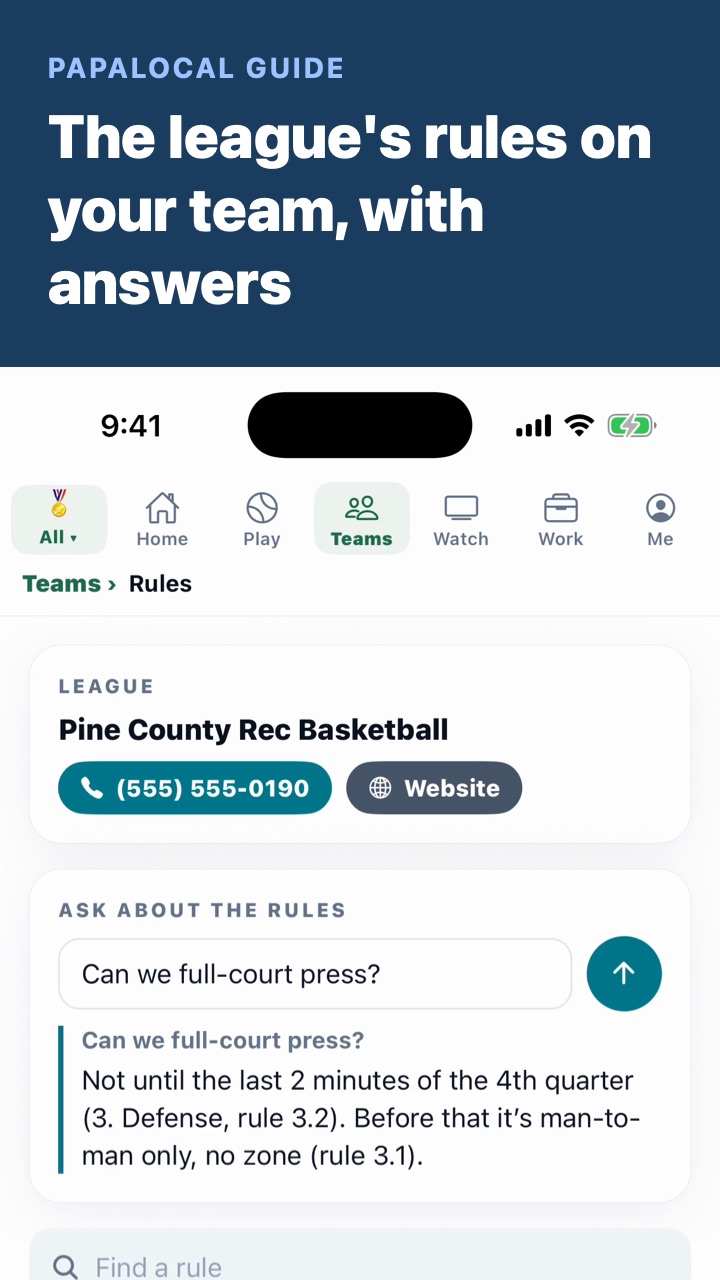
- 0:42Pick each gym. The rules go on the team's Rules page. Under Places, tap Change and pick each gym from the search once, so every family gets directions with one tap.
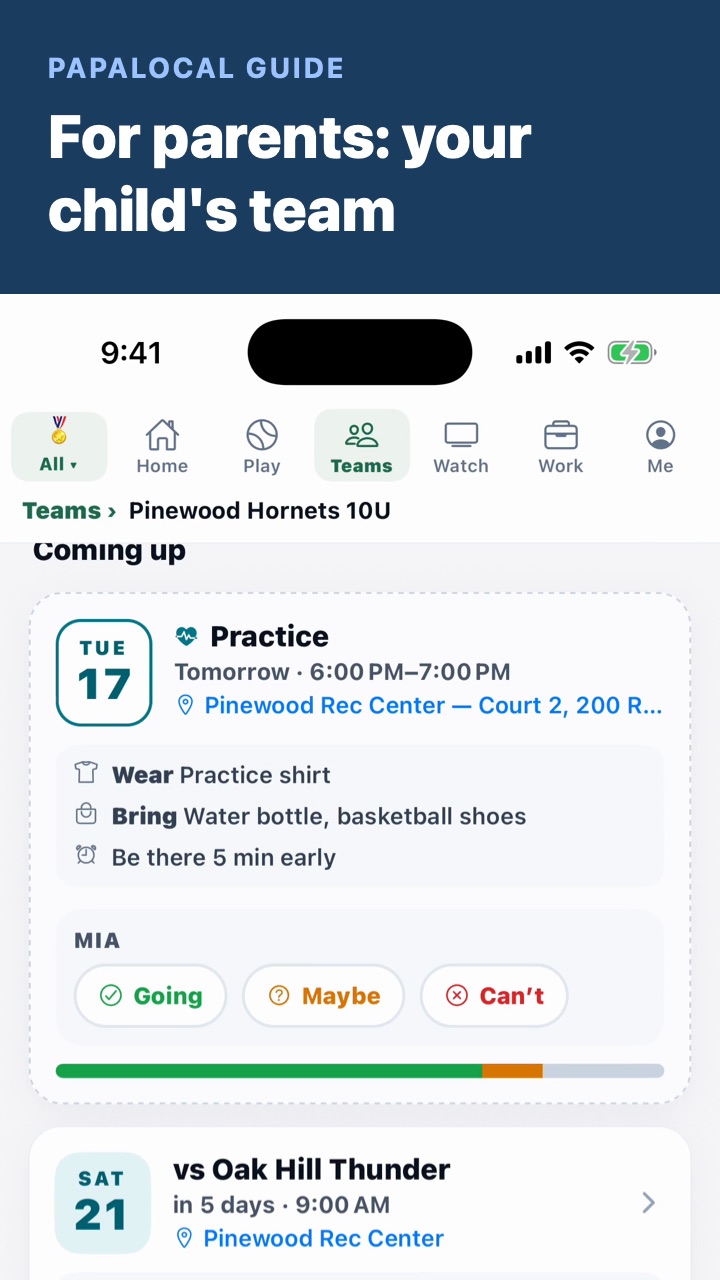
- 0:51Tap Use this. Every game and practice goes on the schedule and everyone's calendar, with a reminder the day before each one.
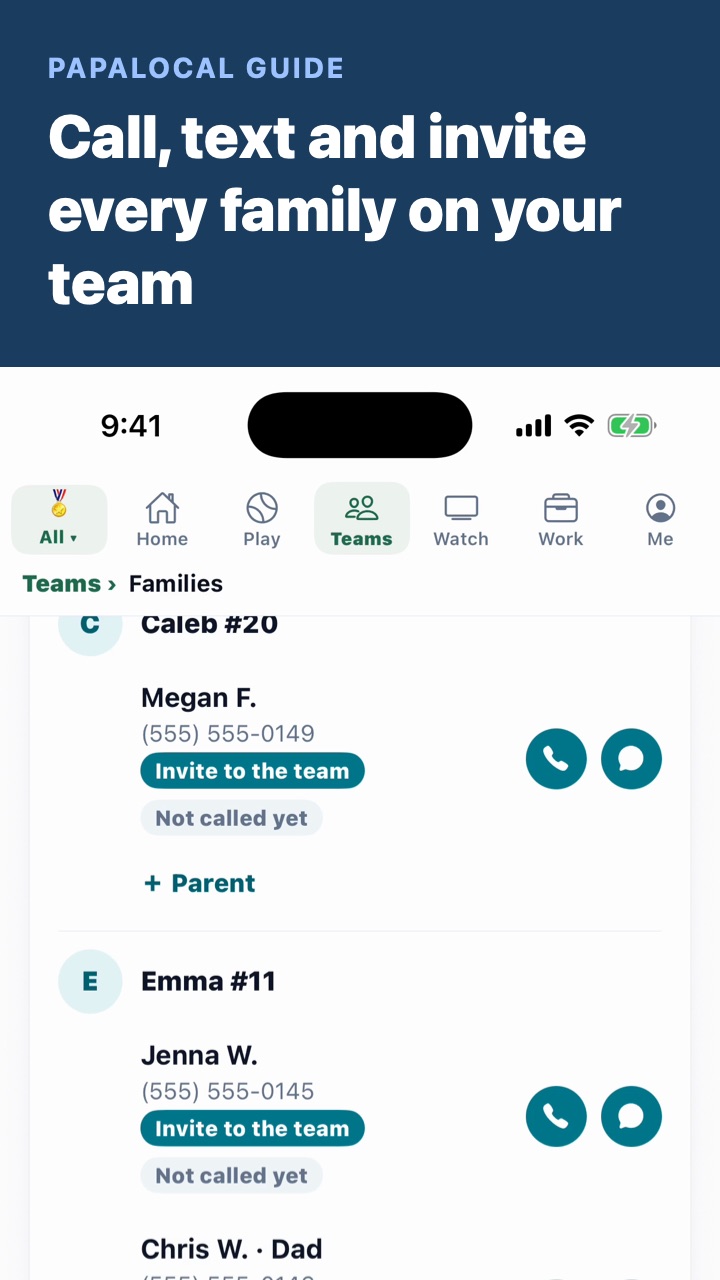
- 0:59Invite the families. The team gets one notice for the lot, not one per game. Then tap Invite the families.
Good to know
- Reading uses your AI credits. Each page read uses some, even one that comes back unreadable. A new account starts with 100 free credits. More are 1¢ each on papalocal.com: 500 for $5, 1,000 for $10 or 2,000 for $20.
- A league-wide schedule is fine. The reader is told to bring back the games your team plays, by its name. The screen says which team it read the page as.
- Draft sheet with the whole league on it? Mark your players first. Highlight or circle your rows. The reader is told to bring back only marked rows, and no players when a long list has no marks.
- Only the ticked rows are saved. Games, practices and players already on the team are skipped, so reading a page twice doesn't double them.
- Not covered here. Your phone's own calendar app. The calendar in this video is the one in Papalocal. Adding games one by one is Add one at a time, under Snap the schedule.
- The Pinewood Hornets 10U, Pine County Rec Basketball, its gyms and everyone in the video are made up.
Written with AI from this video's script and screens.
Comments
Log in to comment. New here?