How to share your league's rules with your team
To share your league's rules with your team, keep them on the team's Rules page. Everyone on the team can read them, kids too. Ask a question in your own words, using AI credits. Papalocal's AI is told to answer from those rules only and name the rule it used. The coach edits them as plain text.
Step by step
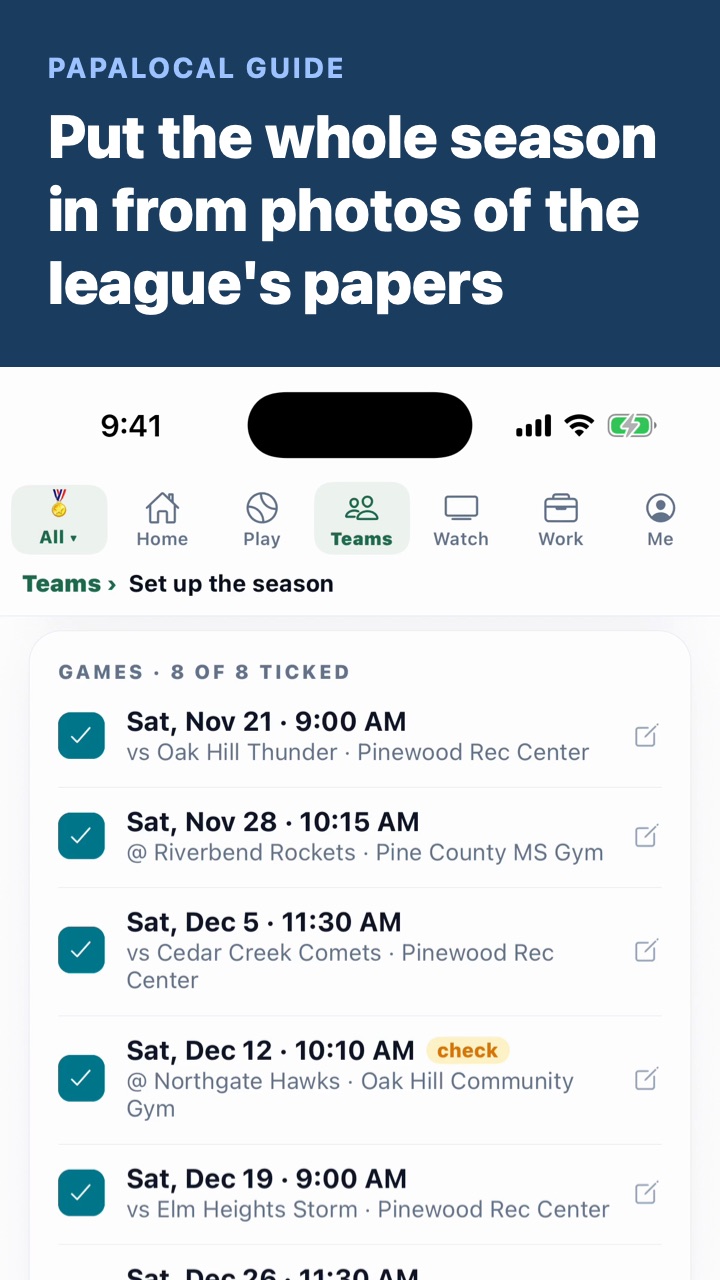
Before you start: the rules come in when you snap the league's papers. Put the whole season in from photos of the league's papers shows it.
- 0:00Open Rules. On your team, tap More, then Rules. The league's rules are here for everyone on the team, kids too.
- 0:07Call the league. Tap the league's number to call the office.
- 0:10Ask a question. Under Ask about the rules, type it in your own words. Papalocal's AI is told to answer from these rules only and name the rule it used.
- 0:17Know what it does with a gap. When the rules don't cover it, the AI is told to say so. It's also told to point you to the league office.
- 0:24Find a rule. Find a rule searches every section. Type foul, and only the foul rules show.
- 0:30Edit the rules. As the coach, tap Edit. The rules open as plain text, one rule per line.
- 0:36Save them. Tap Save the rules, and everyone on the team sees the change.
Good to know
- Asking uses AI credits. Each question uses some. A kid can ask only once a parent turns on AI for them, and then it uses the parent's credits. A new account starts with 100 free. More are 1¢ each on papalocal.com, in packs from $5.
- Check the rule it names. The answer is written by AI from your league's text. Read that rule before you count on it, and call the league when it matters.
- A new section starts with ##. In the editor, a line like "## Playing time" starts a section. Every other line is one rule.
- Only coaches edit. Parents and kids on the team read the rules. Parents can ask questions, and so can a kid whose parent turns on AI.
- Not covered here. The rules of basketball. This page lists none. The rules on your team are your own league's.
- Pine County Rec Basketball, its rules and its phone number are made up, and so is the team.
Written with AI from this video's script and screens.
Comments
Log in to comment. New here?