Baby shower and sprinkle invitations
Baby shower invitations with RSVP and your registry links
Free for one shower at a time: the invitation, RSVP, a QR code, up to 6 registry links and 4 designs to print.
- Guests answer Yes, Maybe or Can’t make it. No account, no app.
- Your registry links sit on the invitation, a tap away.
- Throwing it together? Invite co-hosts to plan it with you, free.
Free for one shower at a time. Your guests don’t need an account.
Or get the Papalocal app for iPhone or Android. Same account on the app and the website.
Already on Papalocal? Log in
Real designs from made-up baby showers.
Baby shower invitation designs
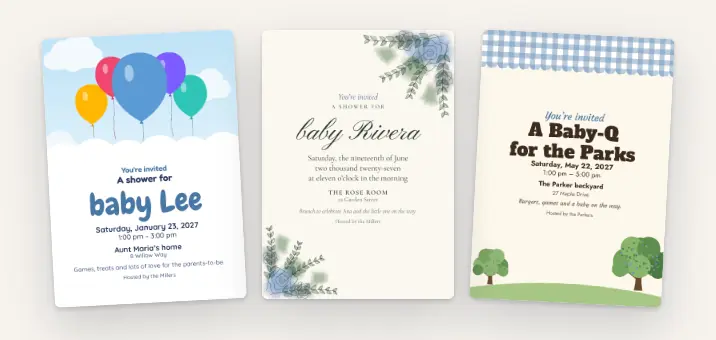
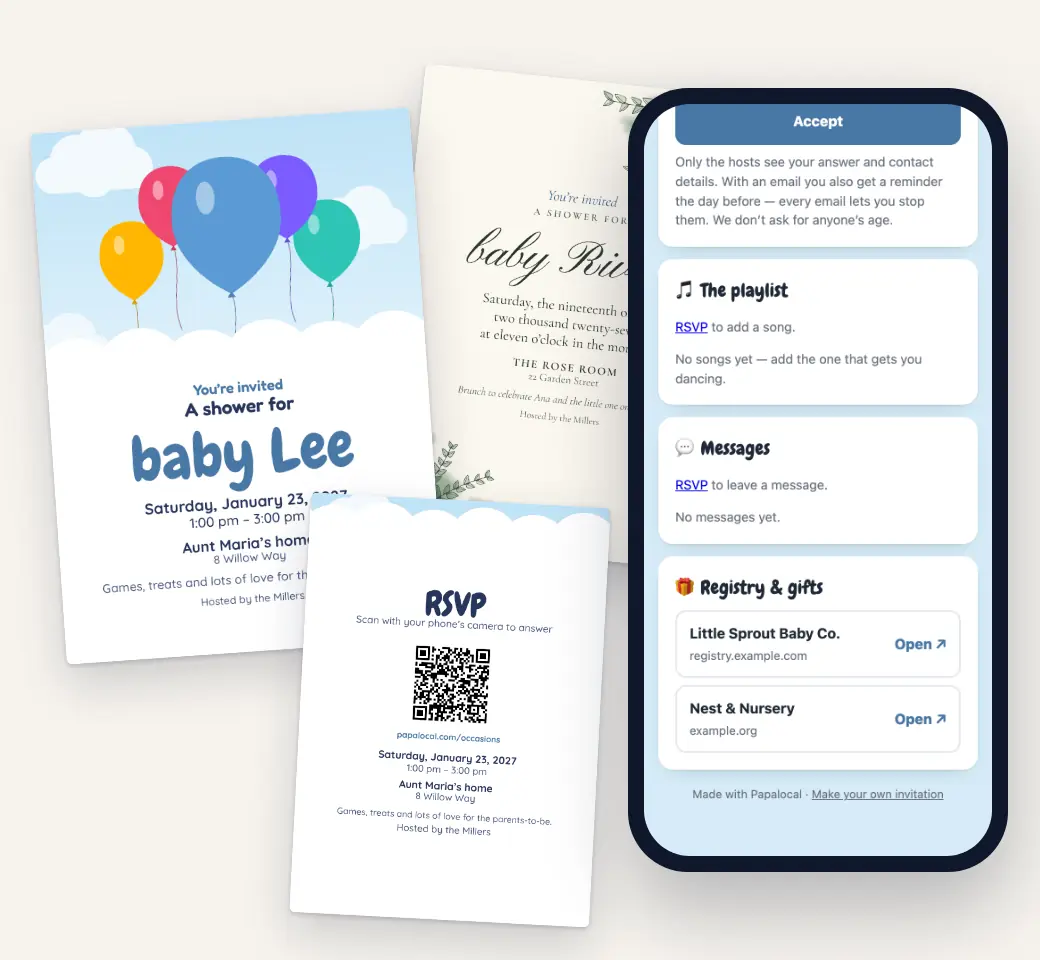
Seven designs for a baby shower, and four are free: Up & Away, Garden Vows, Family Picnic and Blessing. Each prints as a 5 × 7 card with an RSVP code on the back, and the same design is your online invitation, which comes out of an envelope the first time a guest opens it.
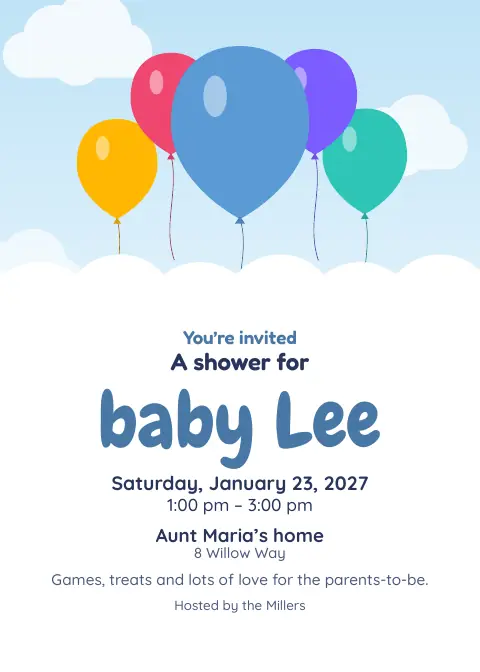
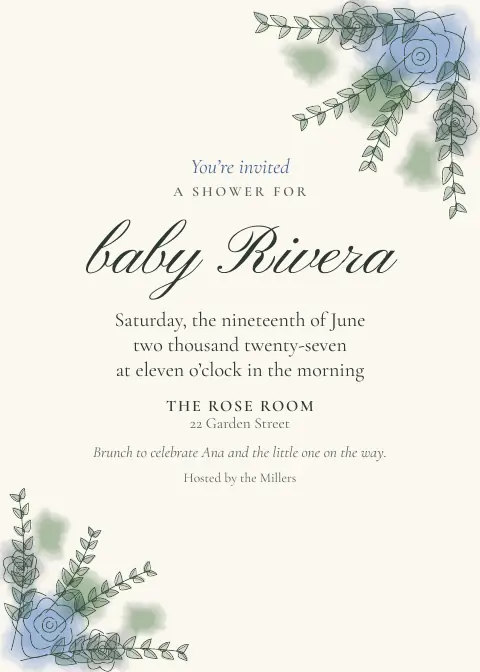
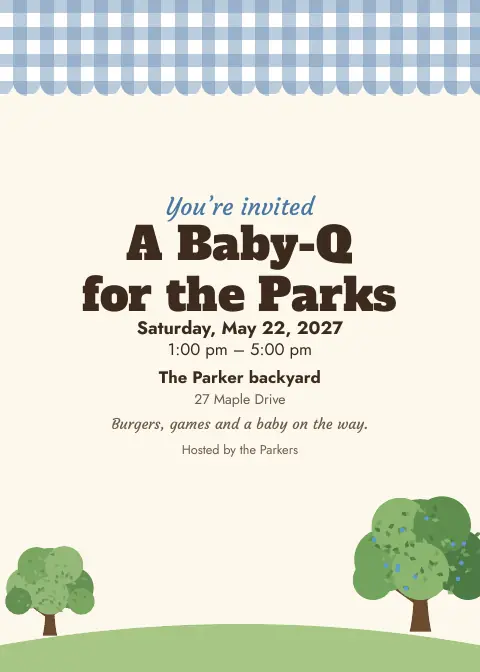
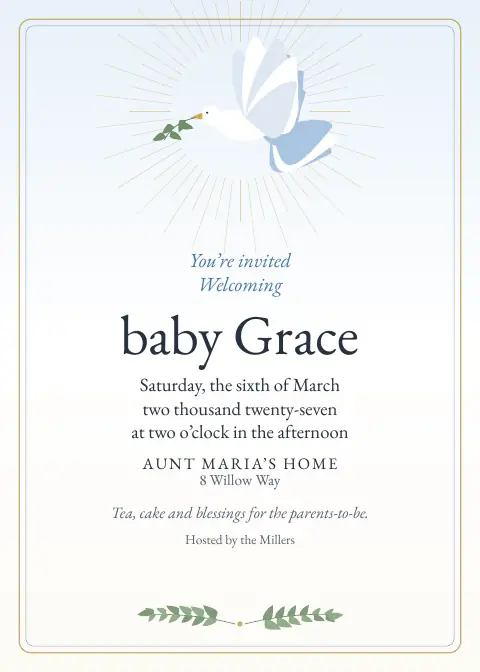
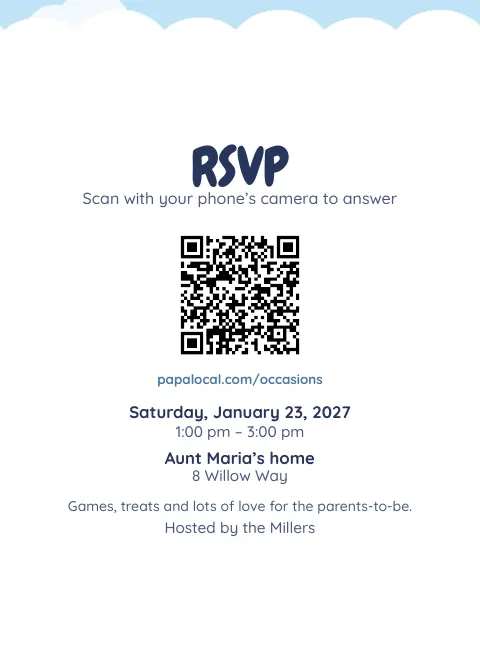


With the full app: all 7, plus thank-you cards and table signs.
The free designs frame a cover photo if you add one: the nursery, the bump, a sonogram.
Print two on a letter sheet or take the print-shop file to any print shop. Papalocal doesn’t print or mail cards.
How it works
- Make itPick Baby shower, name it (“A shower for Baby Rivera”) and add the date, time and place.
- Add the registryPaste up to 6 links to your registries or wish lists. They show on the invitation and on the shower’s website.
- Share itPrint it, send the link, or email it from Papalocal to your guest list (up to 50 people, free).
- See who’s comingGuests answer with how many adults and kids, and on the day add photos to one album.
Registry links, and thank-you cards
- Up to 6 links to your registries or wish lists, on the invitation and the shower’s website. Guests tap through and buy on the store’s own page; Papalocal doesn’t handle money or gifts.
- Thank-you cards (full app): 4 × 6 cards in your shower’s design, as a PDF to print at home or at any print shop.
- In Spanish, or both: set your guests’ language and the invitation, RSVP, camera, album and emails follow.
Invitaciones para baby shower en español
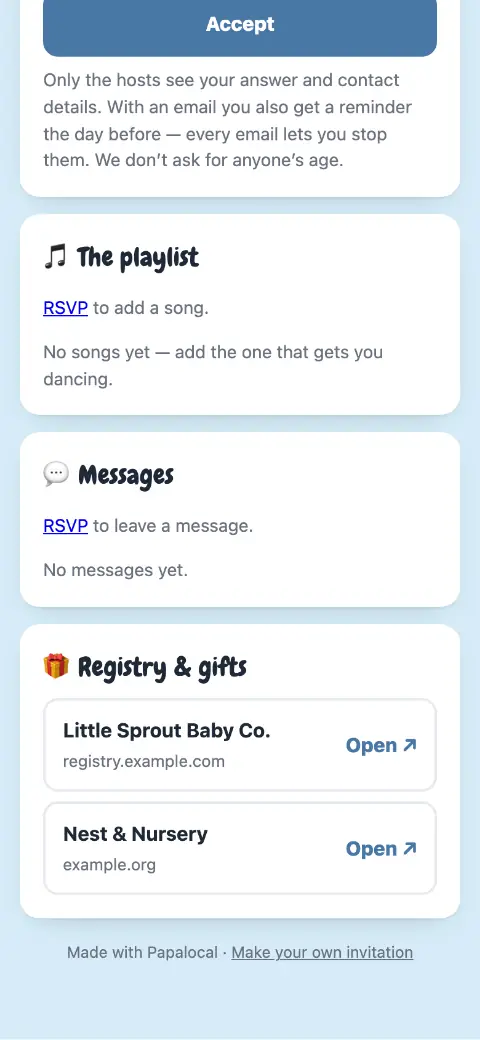
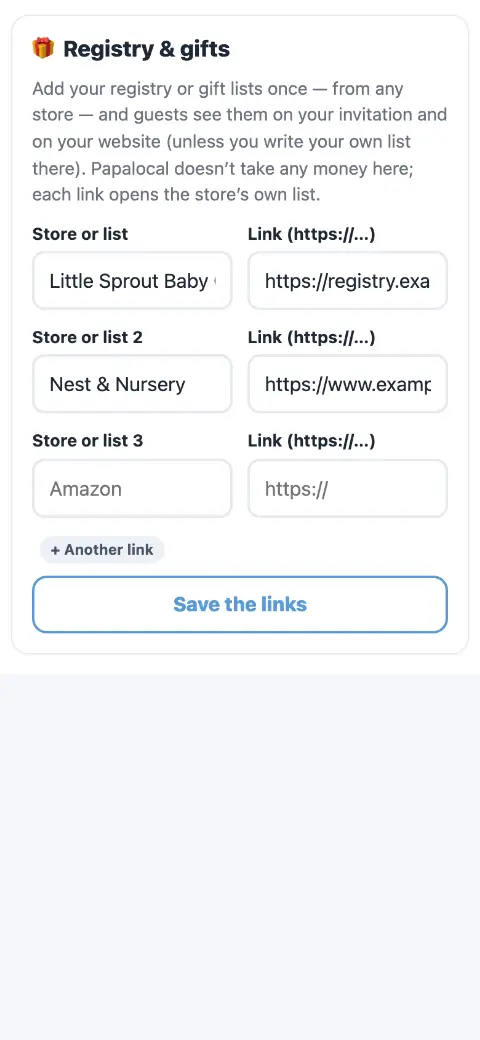
Real screens from a made-up baby shower in Papalocal’s test copy of the site. The store names are made up.
Throw it together
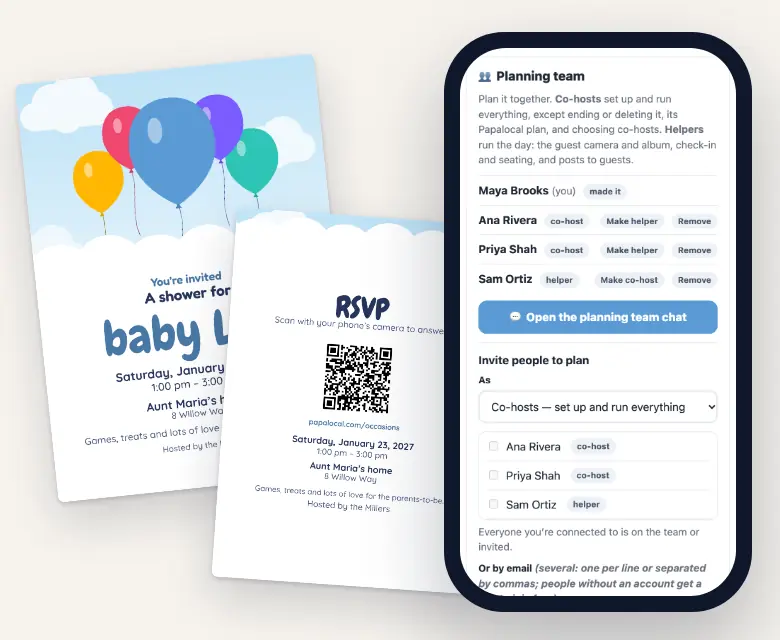
Most showers have more than one host. Invite co-hosts to plan with you: the invitation, the guest list, the schedule and the sign-ups. Invite helpers to run the day: the camera, the album and the door. Each person says yes for themselves and joins free, and the team gets its own private chat.
Only the person who made the shower can end it, delete it or change who co-hosts.
Also free on your invitation
- Who’s bringing what
- A schedule (games at 2, gifts at 3)
- Polls (“Boy or girl? Cast your guess”)
- A group card everyone signs for the parents-to-be
- Updates you post
- A wall for guests’ messages
- A reminder email the day before (to guests who said Yes or Maybe and left an email)
- A website for the shower
- Add to calendar
- A playlist
Baby shower invitation wording
Copy one and change the names. The first line is your title; the date, time and place print from your details. Put the registry in the gift links, not the note, so guests can tap it.
A shower for Baby Rivera
Join us for brunch to celebrate Ana and the little one on the way. Please reply by June 10.
It’s a girl!
Pink lemonade, cake and lots of love for Ana and her baby girl. Please reply by June 10.
Oh boy!
Come celebrate Ana and her baby boy with brunch and games. Please reply by June 10.
A sprinkle for baby number two
Baby Rivera is joining a big brother. A small brunch and a few diapers. Please reply by June 10.
Baby Q Barbecue
Burgers, games and a baby on the way. Partners and kids welcome. RSVP by June 10.
(add to any note)
Bring a pack of diapers, any size, and we’ll enter you in the raffle.
Baby shower para Ana
Acompáñanos a celebrar a Ana y al bebé que viene en camino. Favor de confirmar antes del 10 de junio.
Thank you
Thank you for the sweet blanket and for celebrating with us. We can’t wait for Baby Rivera to meet you. — Ana & Luis
The raffle is the hosts’ own; Papalocal doesn’t run raffles. The line is wording, not a feature.
When to send
- 4–6 weeks beforeSend the invitations.
- 1–2 weeks beforeThe reply-by date.
- The day beforeA reminder email to guests who said Yes or Maybe and left an email.
- The dayGuests add photos.
- AfterThank-you cards (full app).
A rule of thumb, not a rule.
Free or the full app
The full app means Citizen Plus (Occasions) or Citizens Unlimited.
| What you get | FreeOne shower at a time | Full appCitizen Plus or Citizens Unlimited |
|---|---|---|
| Invitation page, RSVP, QR code, add to calendar | Yes | Yes, as many as you want |
| Registry and gift links on the invitation and website | Up to 6 | Up to 6 |
| Planning team: co-hosts and helpers, with their own chat | Yes | Yes |
| Guests read it in Spanish, English or both | Yes | Yes |
| Printable 5 × 7 invitation, and the same design online | Up & Away, Garden Vows, Family Picnic and Blessing | All 7 baby shower designs |
| Thank-you cards, save the dates, table signs | No | Yes |
| Email the invitation from Papalocal | Up to 50 people | Up to 1,000 people |
| Extra RSVP questions: names of who’s coming, allergies or dietary needs | No | Yes |
| Polls · sign-ups · group card | Yes | Yes |
| Guest camera | Photos only, up to 100 | Photos and videos, up to 6,000 |
| Guests’ mailing addresses for printed invitations | No | Yes |
| A website for the shower | Yes, for your one occasion | Yes, for every occasion |
| Download everything at full size (zip files) | Yes | Yes |
| Storage | The free 5 GB every account has | 15 GB with Citizen Plus. Citizens Unlimited: 45 GB for each adult on the plan, added to your free 5 GB. |
Citizen Plus: $15 a month, with Occasions as the one app it upgrades. Or Citizens Unlimited, the upgrades in all of Papalocal’s apps: $15 a month while we finish building them, then $30 a month for everyone on it. We’ll email you 30 days before that changes.
Same account on the website and in the Papalocal app for iPhone and Android.
Questions
When should baby shower invitations go out?
A common rule of thumb is four to six weeks before the shower, with replies due one to two weeks before.
Can I put my registry on the invitation?
Yes, free: up to 6 links to your registries or wish lists, on the invitation and on the shower’s website. Guests buy on the store’s own page. Papalocal doesn’t handle money or gifts.
Who should host a baby shower?
Usually a close friend or relative, and often more than one. However you share it, invite your co-hosts to plan with you on Papalocal: each joins free with their own account, and the team gets its own chat.
Can the invitation be in Spanish?
Yes. Set your guests’ language to Spanish, or Both (Spanish first, with an English switch). The invitation, RSVP, camera, album and emails follow; your own words stay as you type them.
What do you write on a baby shower invitation?
The parent-to-be, who’s hosting, the date, time and place, a reply-by date, and the registry (in the gift links). Copy one of the examples above.
Are these baby shower invitations really free?
Yes, for one shower at a time:
- the invitation, RSVPs and the QR code
- up to 6 registry links
- co-hosts
- the 4 free designs to print
- a website for the shower
- an album of up to 100 photos
The full app ($15 a month) adds the other 3 designs, thank-you cards, extra RSVP questions, and videos (up to 6,000 photos and videos).
Can I print baby shower thank-you cards?
With the full app: 4 × 6 thank-you cards in your shower’s design, as a PDF to print at home or at a print shop. Papalocal doesn’t print or mail them.
Does it work for a sprinkle or a gender reveal?
Yes. Pick Baby shower, or pick Other and call it what it is (“Gender reveal”). The invitation, RSVP, polls and album work the same.
When to send
- 4–6 weeks before: Send the invitations.
- 1–2 weeks before: The reply-by date.
- The day before: A reminder email to guests who said Yes or Maybe and left an email.
- The day: Guests add photos.
- After: Thank-you cards (full app).
A rule of thumb, not a rule.